A custom order is only as good as its details. The studio asks for them before the machine does.”
The shop
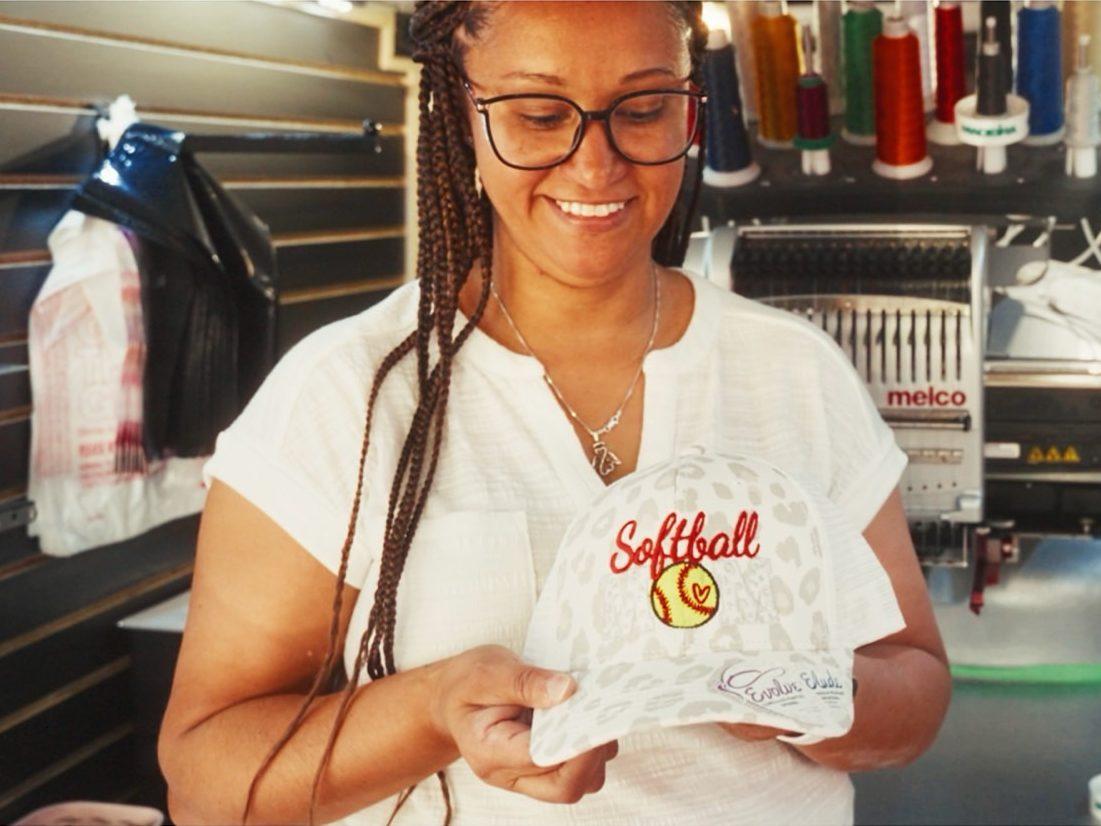
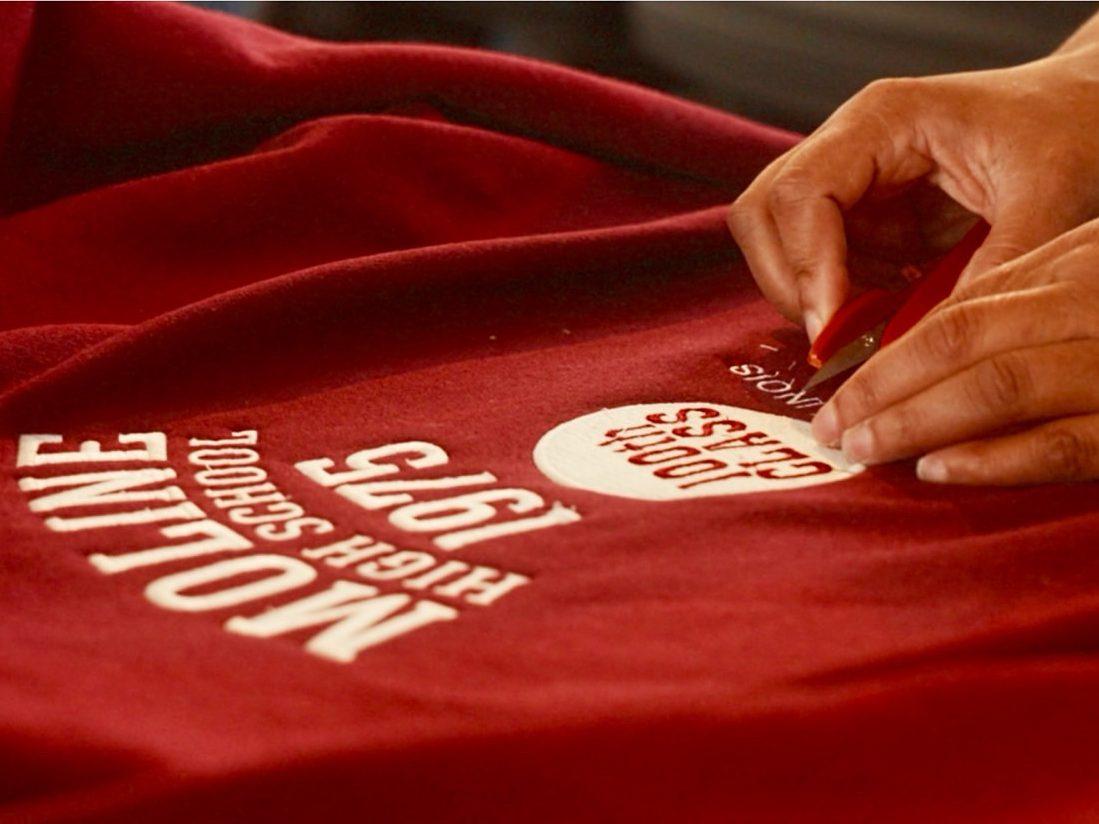
Stitch Please sells finished pieces, like school spirit wear, and takes custom work, from a team's hoodies to a name on a cap. The site does both, and the shop runs both from one admin.
The store
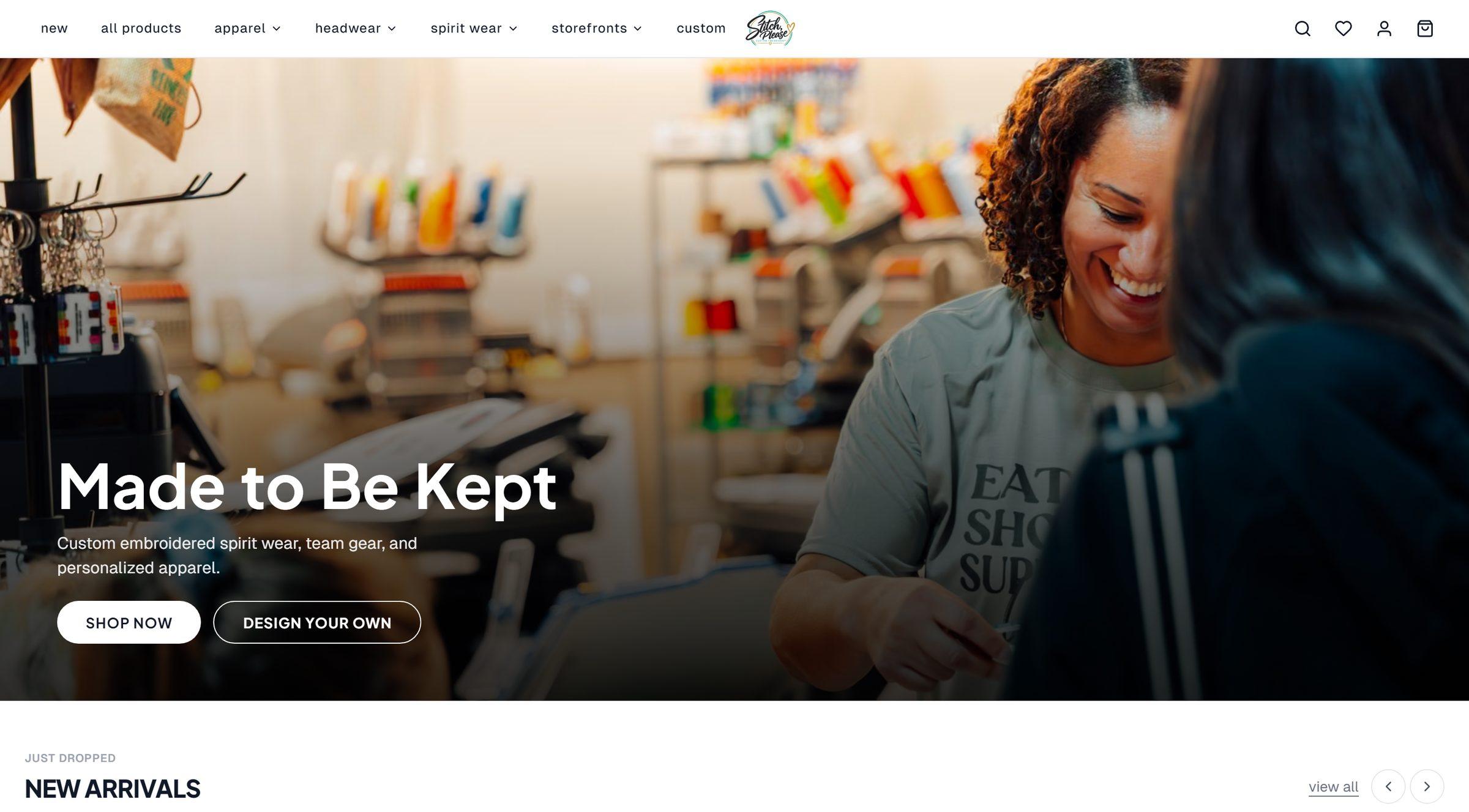
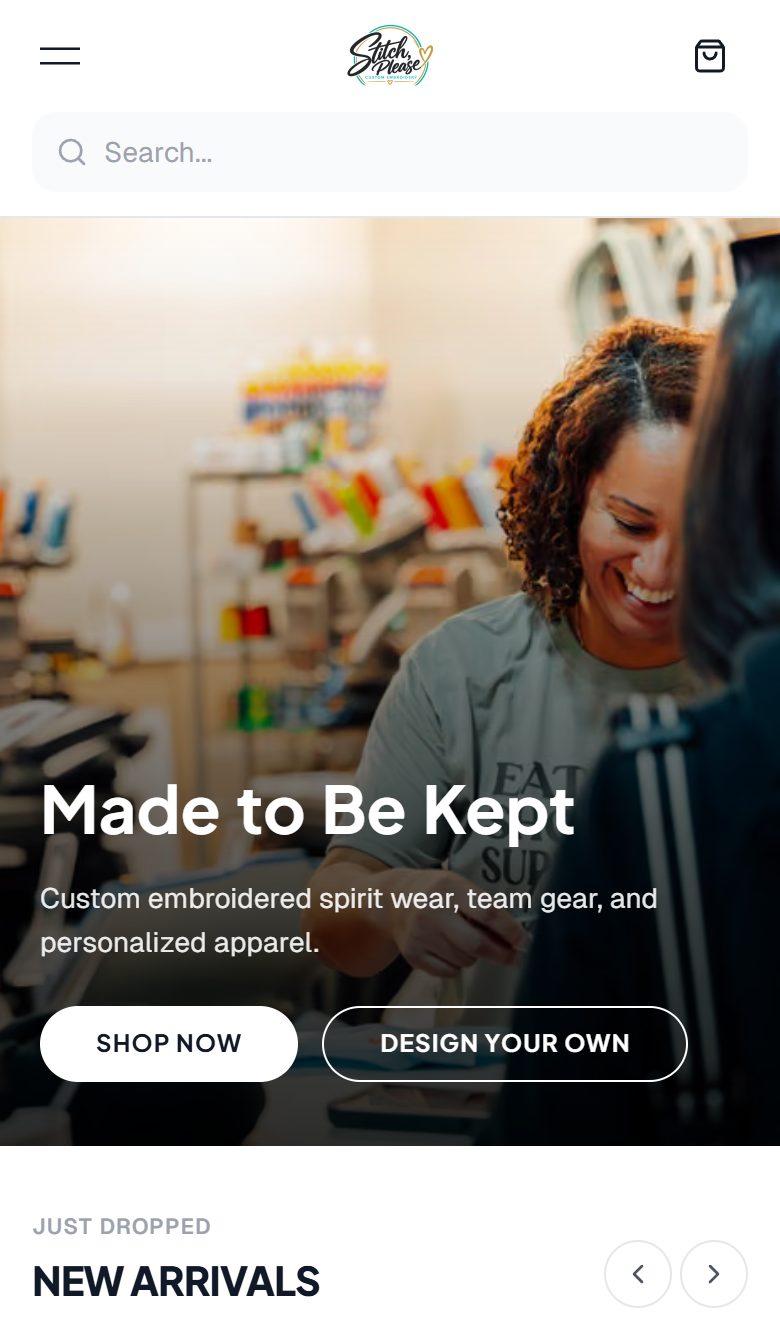
The front page opens on the shop itself and two ways in: shop what is ready, or design your own. Below it, new arrivals, trending pieces and spirit wear sit in rows that scroll sideways.
Behind it are product pages, a wishlist, customer accounts, order tracking and Stripe checkout. Schools and teams get storefronts of their own, with drops and sales on a timer. The FAQ sets expectations early: the site lists a typical turnaround of 5–7 business days.
The design studio
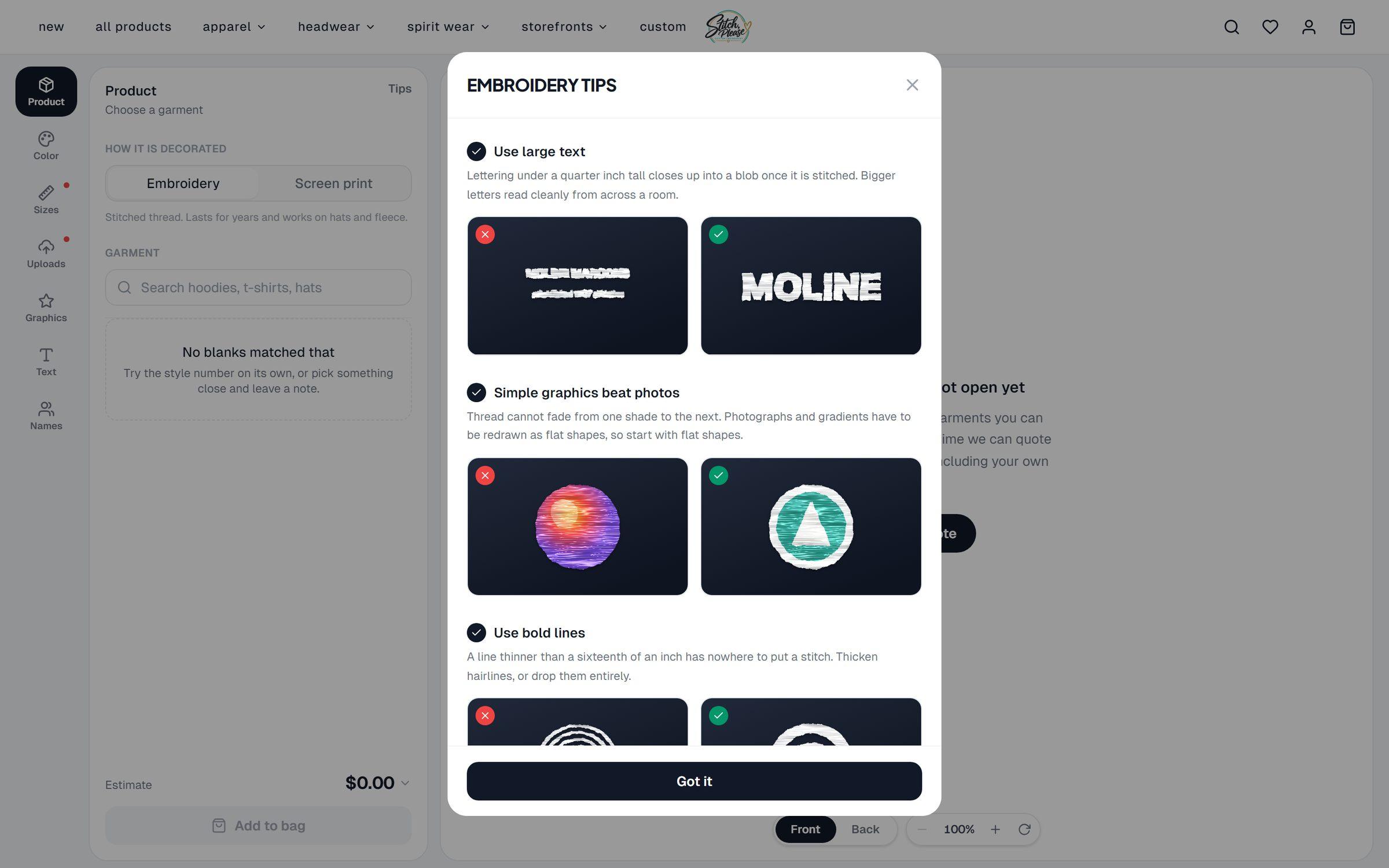
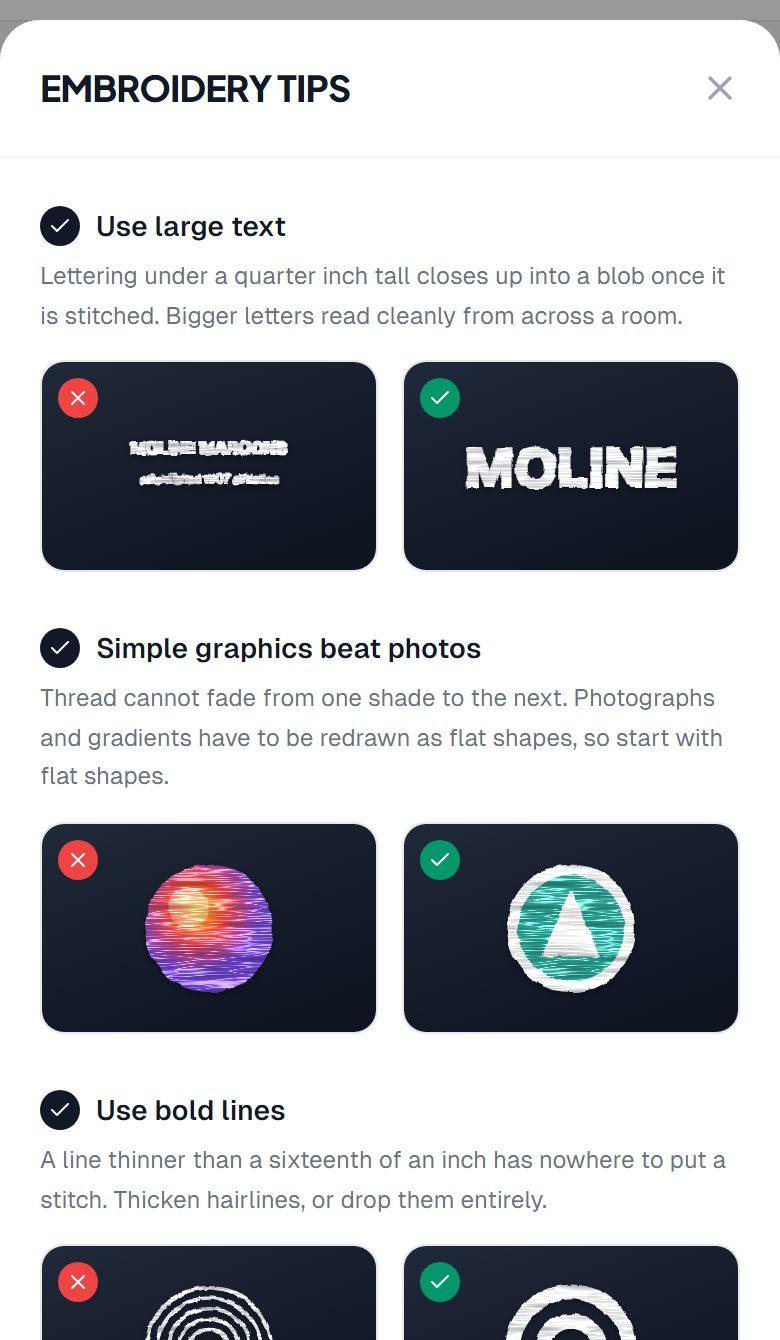
At /design a customer picks a garment, places their artwork on it and sees it as stitches before they order. The tips explain what thread can and cannot do, with stitched examples: large letters, flat shapes, bold lines.
Customers can send their own artwork through an upload link and ask for a quote, and custom jobs come back to them as a proof to approve.
The mobile site
The menu folds away and search sits under the logo, one tap from the top. Dialogs become sheets that rise from the bottom of the screen.
Brand teal
#0A5565
Accent teal
#3BAFC3
Ink
#101828
Admin ground
#F5F5F7
Color
Teal is the store's brand color, set as its primary in the code, with a lighter teal for small accents. The rest is ink on white, so the product photographs and the thread colors carry the page.
The admin and the iPhone app read their colors from one token file, so a change made once shows up on the web and on the phone.
The admin and the app
The admin holds the whole shop: orders with printable order sheets, products, storefronts, customers and messages, analytics, announcements and the artwork customers upload. Abandoned-cart and order-status emails go out on their own.
SP Admin brings the same work to a native iPhone app: the dashboard, orders and their status, customers, products, storefronts, messages and notifications.
About the project
A store, a design studio, an admin and an iPhone app for a custom embroidery shop.
Stitch Please embroiders spirit wear, team and business apparel, hats and keepsakes at 425 17th Street in Moline, Illinois. We built the online store and its checkout, the design studio, the admin the shop runs on, and SP Admin, the shop's iPhone app.
Client
- Stitch Please
Sector
- Retail and services
Discipline
- Websites
- Online ordering
- Apps
- Photography
Timeline
- 2025–2026
Category
- Online ordering
Deliverables
- Online store and checkout
- Team storefronts
- Design studio
- Proofs and artwork uploads
- Admin dashboard
- SP Admin iPhone app